✨ Introduction
Ever wished your digital text could look more personal, like a handwritten note? Whether you're a developer, designer, student, or just someone who loves the charm of handwriting, this simple Python script lets you convert any block of text into a beautifully handwritten image — automatically.
In this tutorial, you'll learn how to use Python and the Pillow library to transform your text into a handwriting-style note with just a few lines of code.
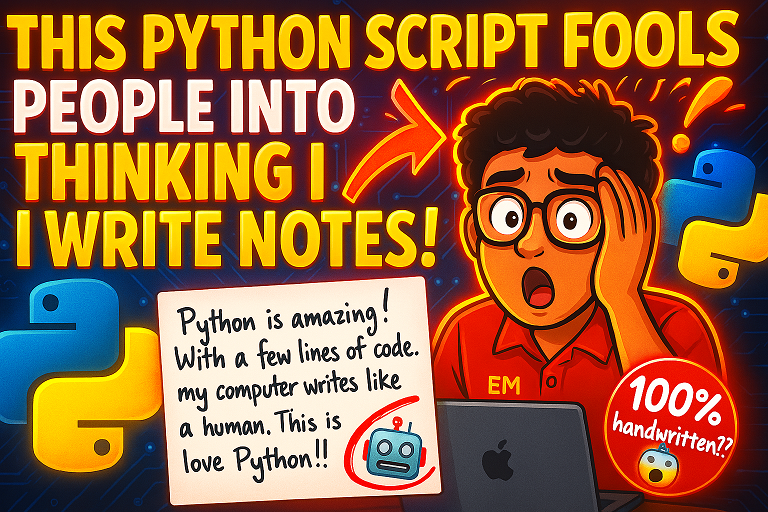
💡 Why Use This?
- 📝 Create realistic handwritten notes for presentations or personal messages
- ✉️ Add a personal touch to digital letters or journals
- 🖼️ Generate custom handwriting art from your favorite quotes
- 🧠 Great for students, creators, and even pranksters 😄
🛠️ What You'll Need
- Python installed on your machine
-
Pillow (
pip install Pillow)
-
A handwriting-style font (like
QEDSFont.ttf) — grab one from Google Fonts or DaFont
📜 The Python Script
🖼️ Output
You'll get an image (handwritten_note.jpg) that looks like someone wrote it with a pen on white paper. You can further customize the background, font size, and ink color to match your style.
🔧 Tips & Tweaks
- Try different fonts for varied handwriting styles (e.g., cursive, print, chalkboard)
-
Adjust
widthintextwrap.wrap()to control line length
-
Use
ImageFont.truetype()with other fonts to create your own unique look
- Add lines, shadows, or notebook textures as a background
🧠 Final Thoughts
This little script packs a punch! With just a bit of Python and creativity, you can transform sterile digital text into heartfelt, personal visuals. Whether you're using it for art, communication, or content creation — it's another reason to love the power of Python.
About the Author: gs_admin
A senior technical contributor specializing in architectural designs, software optimization, database structures, and developer education. Passionate about writing clean code and sharing engineering knowledge.